Video tutorials

Learn with our video tutorials, with step-by-step instructions.

EBLCloud: Get Started & Functions

Update Gateway 5088 with EBLCloud connection support
STEP 1

Update Gateway 5088 with EBLCloud connection support

Learn how to update the Panasonic Gateway 5088 to enable a secure EBLCloud connection for remote operation and monitoring of Panasonic fire alarm systems at System Settings menu.
Install EBLWeb with EBLCloud support. Dynamic IP (DHCP)
STEP 2A

Install EBLWeb with EBLCloud support. Dynamic IP (DHCP)

This video explains how to start up and configure Gateway 5088, its key functionalities, and guides you step-by-step through the connection process. Follow the procedures in this video if dynamic IP will be used.
Install EBLWeb with EBLCloud support. Static IP
STEP 2B

Install EBLWeb with EBLCloud support. Static IP

This video explains how to start up and configure Gateway 5088, its key functionalities, and guides you step-by-step through the connection process. Follow the procedures in this video if static IP will be used.
Start in EBLCloud. Register and log in via an invitation letter
STEP 3

Start in EBLCloud. Register and log in via an invitation letter

Learn how to register and log in to EBLCloud using an invitation letter, ensuring your account is set up with the highest level of security through the setup of two-factor authentication using an authenticator app and a QR code.
Create the organisation hierarchy in EBLCloud
STEP 4

Create the organisation hierarchy in EBLCloud

Set up the organisation hierarchy in EBLCloud under the ‘My organization’ menu. The video shows the hierarchy model and explains how to create folders and sub-folders, and assign roles and permissions for daily operations.
Add a fire alarm system to EBLCloud via Gateway
STEP 5

Add a fire alarm system to EBLCloud via Gateway

Learn how to add a fire alarm system via Gateway 5088. The video covers naming and locating the system, organising it within the correct folder, adding contact details for the person responsible for the installation, and registering the Gateway MAC address for secure remote operation.
Configuration for EBLCloud in Gateway
STEP 6

Configuration for EBLCloud in Gateway

Configure Gateway 5088 for EBLCloud to enable secure and efficient remote operation. Learn how to access the configuration page, set date and time, enter account details, verify server settings, and confirm a successful connection.
Access levels and role-based access control

Access levels and role-based access control

Manage access levels and role-based permissions in EBLCloud. This video shows how to add users, assign roles and access levels, understand administrator’s permissions, and control user access based on folder hierarchy to ensure secure and efficient system operation.
Use the journal

Use the journal

Use the journal to track and manage fire alarm system activity. This tutorial explains how to access the journal, understand event details and user actions, create manual entries, and filter or export records by date as Excel or PDF files.
Disable and re-enable zones and zone address

Disable and re-enable zones and zone address

Safely disable and re-enable zones or zone addresses in EBLCloud, with the appropriate permissions, and manage temporary conditions using automatic or manual re-enablement.
Move folders

Move folders

Learn how to move folders and create subfolders within your EBLCloud organisation hierarchy. This video shows how folders can contain fire alarm systems or other subfolders, allowing you to build a flexible structure suited to local and evolving operational needs.

EBLWin

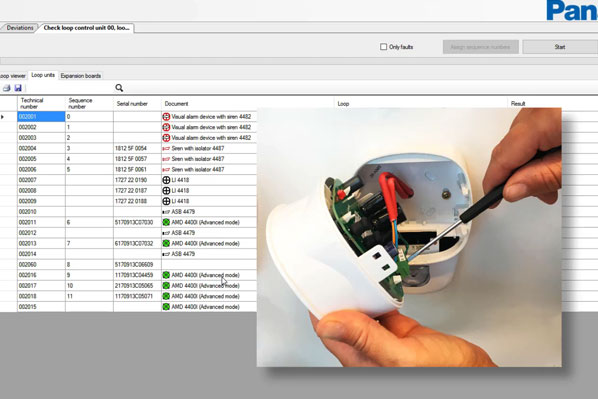
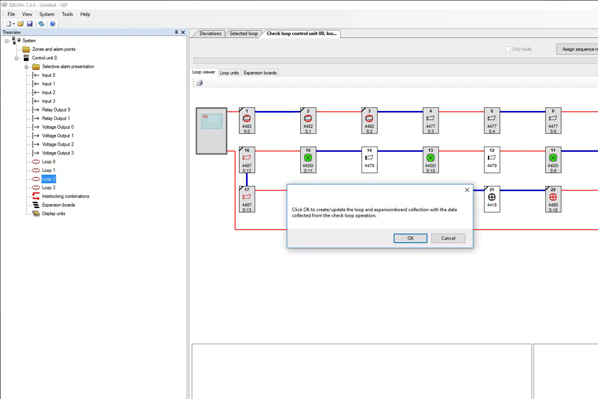
How to check EBL512 G3 fire alarm system’s COM-loop

How to check EBL512 G3 fire alarm system’s COM-loop

In this video you will learn about Panasonic’s EBL512 G3 fire alarm system’s check loop procedure for troubleshooting and maintaining the performance of connected units in a COM-loop.
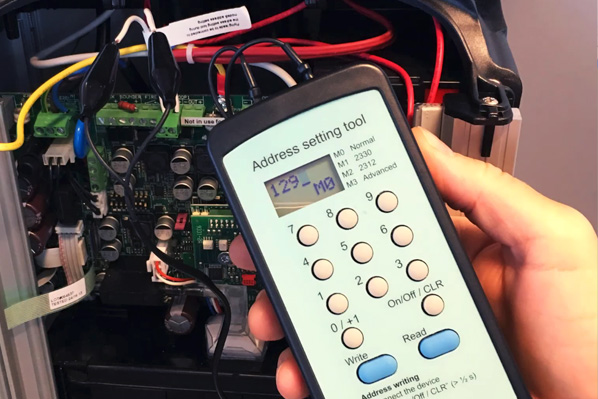
How to auto address loop units with isolators

How to auto address loop units with isolators

This video provides a detailed guide on auto addressing Panasonic loop units with isolators using the EBLWin configuration software.
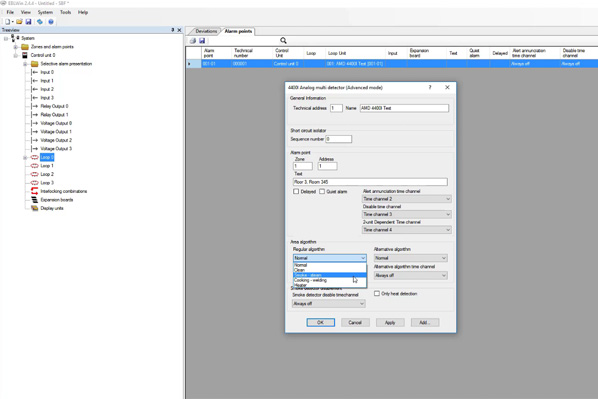
How to configure a detector in EBLWin

How to configure a detector in EBLWin

This video provides you a step-by-step guide on how to configure a detector in EBLWin configuration software. You will learn the process of adding a loop unit, setting the technical address, customizing the name, and applying the changes.
Auto addressing with mixed auto & manual addressing units

Auto addressing with mixed auto & manual addressing units

This Panasonic tutorial video will guide you through the process of creating a loop with a combination of units that require manual and auto addressing. An Aspect Grizzle aspirating detector will also be added to the COM loop.

Pipedraw

Guide to use PipeDraw software for the design of Panasonic aspirating systems

Guide to use PipeDraw software for the design of Panasonic aspirating systems

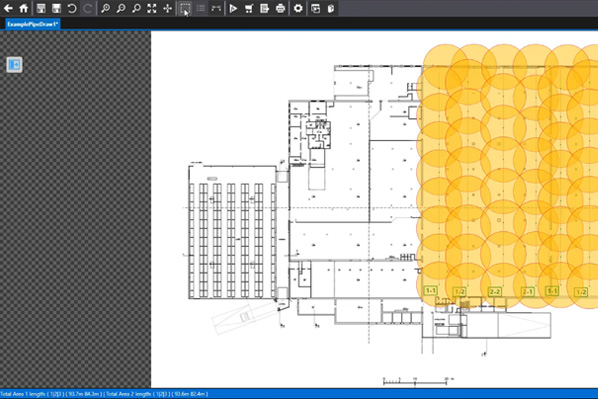
This video guides you through the basics of using PipeDraw, the software that helps in designing your Panasonic aspirating detection system’s project. You will learn how to use its features, such as generating information about hole positions, sizes, response times, and creating order lists.